• Skip to content
  • Skip to footer
Swivi logo black

Swivl

  • Solutions
    • M2
    • M2 for higher ed
    • MirrorTalk
    • Reflectivity
    • Robot
  • Talk to us
  • Resources
    • Support
    • Resources and trainings
    • Professional learning
    • Blog
    • User Stories
  • Events
  • Login
    • Reflectivity
    • MirrorTalk
  • Store

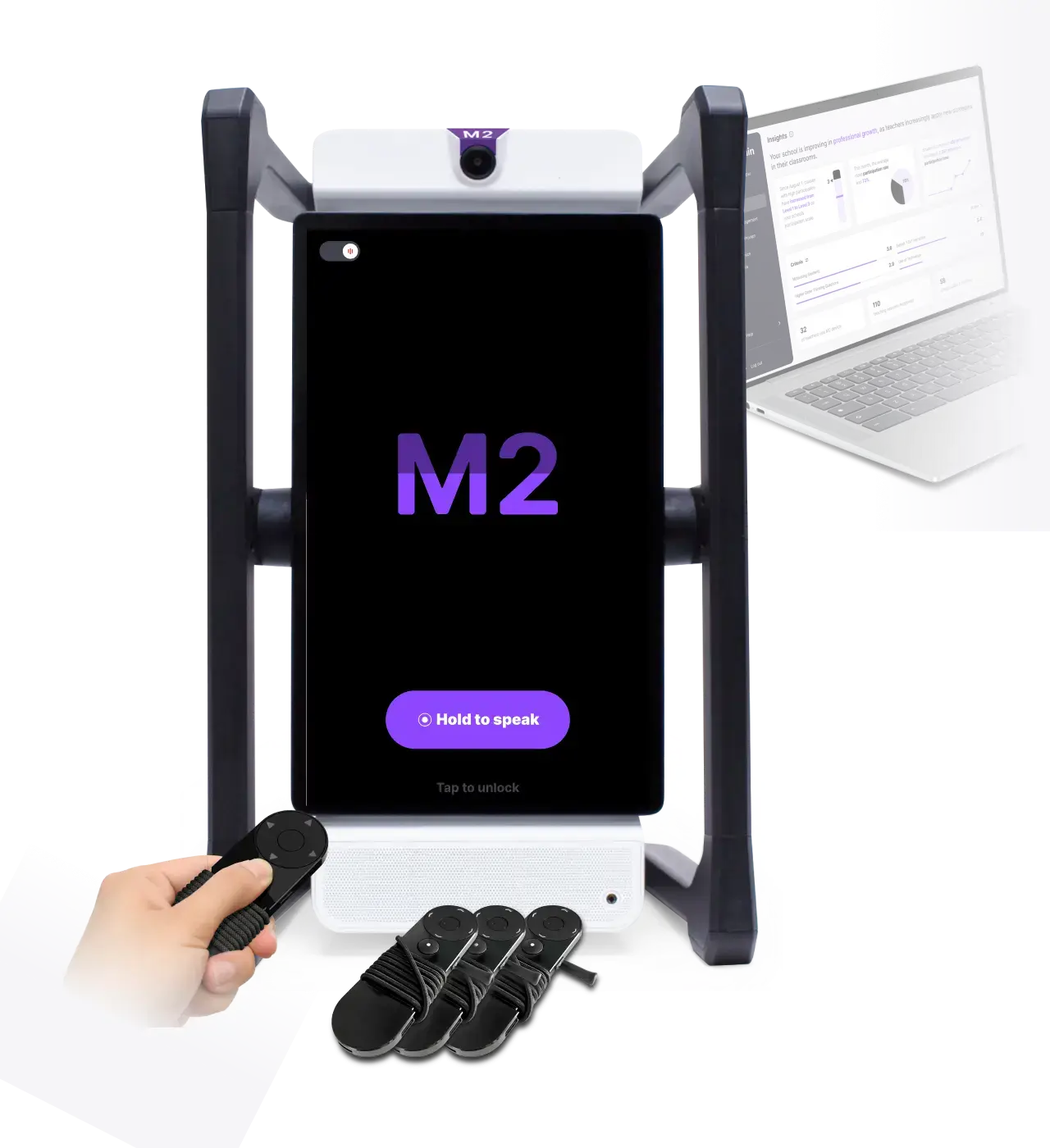
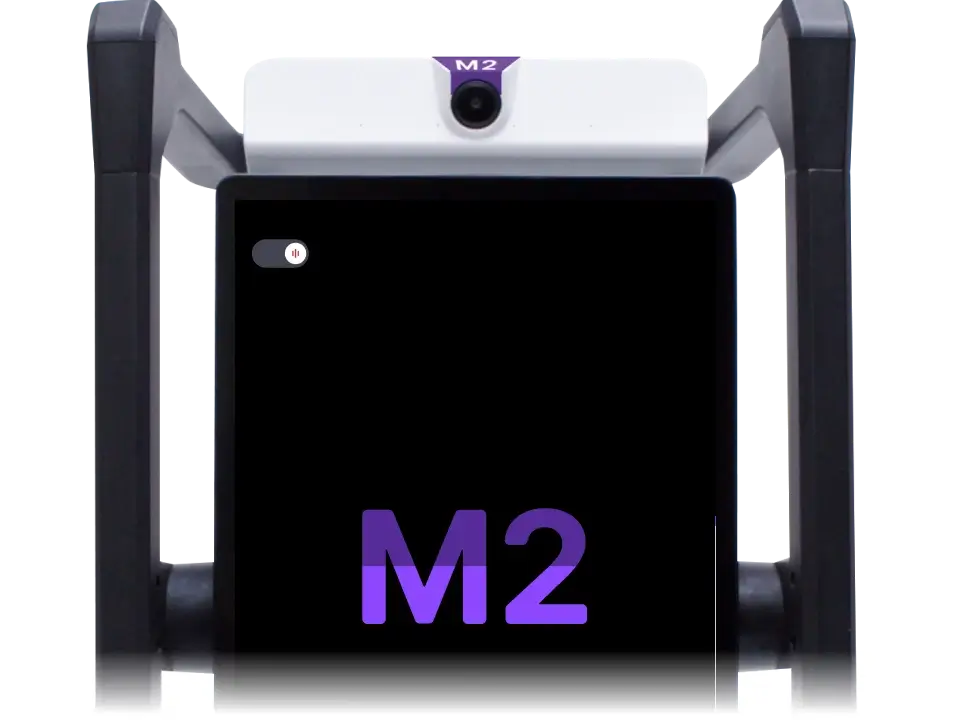
The M2 solution

M2talk software wrapped in our most capable hardware – a complete solution for creating high-participation learning experiences.

Why that matters
M2 with animated meter
Slide
Teacher and students in a classroom using an M2 to start a group activity.

Hit start, have everyone see the progress bar, and
let M2 set expectations for high-participation

How it works

Listens with maximum accuracy through distributed and array microphones to build context and makes participation visible for the whole class.

M2 understanding meter
M2 actionable tips

Click for immediately actionable tips based on best practices to improve participation.

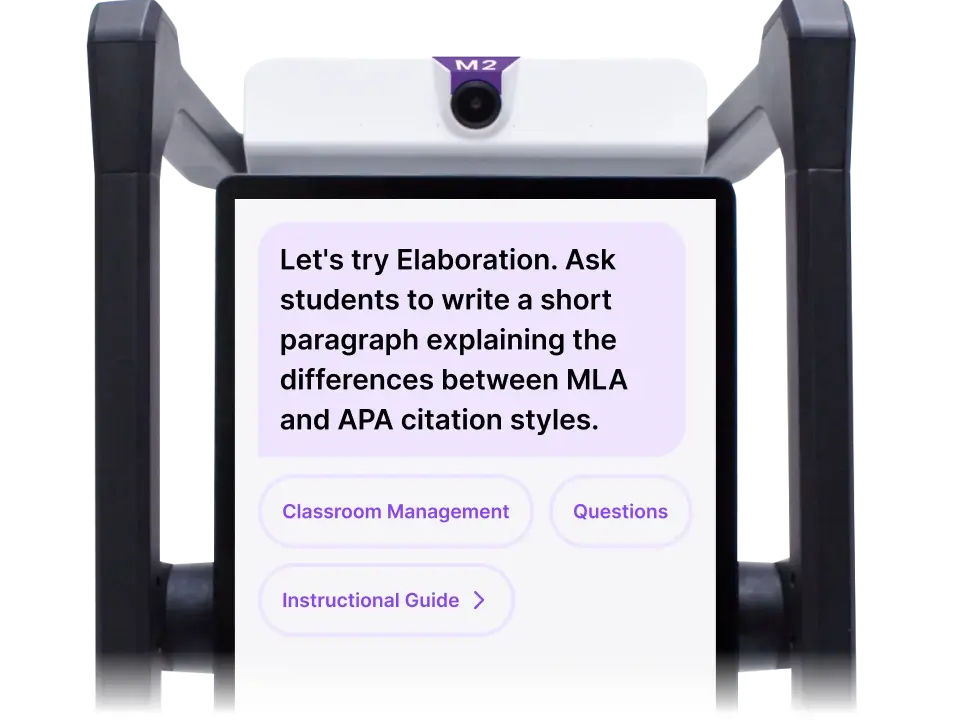
Have M2 generate and guide the whole class through relevant, high-impact learning strategies.
Educational display about MLA style with an image of students in a classroom.

Participation aids

  • Stations
  • Ask m2
  • translate
  • summarize
  • observe

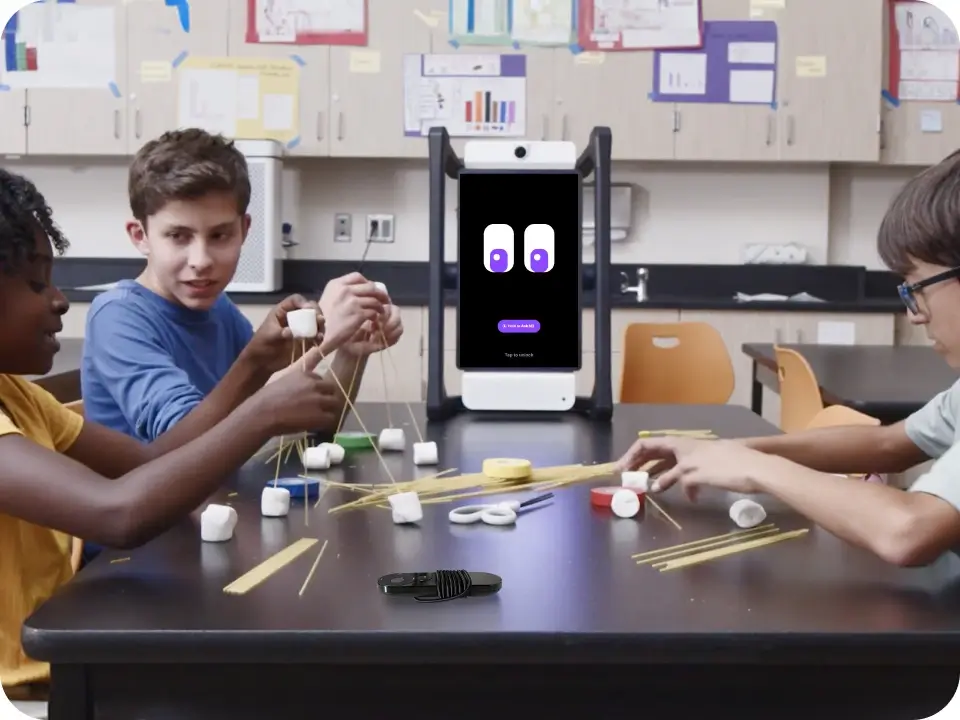
Makes small-group work effective by generating and guiding station-based activities while measuring student participation.

Three students working together to build a structure using spaghetti and marshmallows, with M2

Click Ask M2 by remote or onscreen to explain your lesson’s relevance, model questions to students, and translate into 140+ languages.
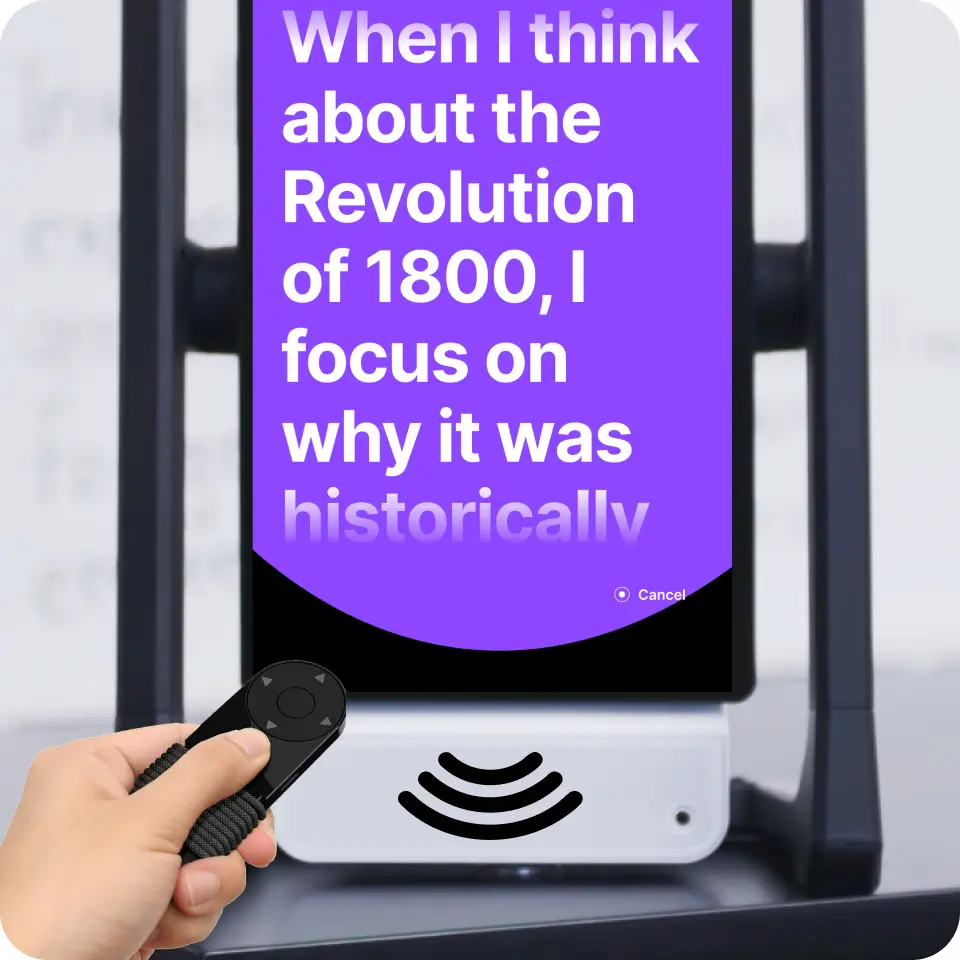
A close-up of M2 displaying educational text with a hand holding a remote control

Translate class lectures and guided activities in 10+ languages. Accessory options for up to 9 students.
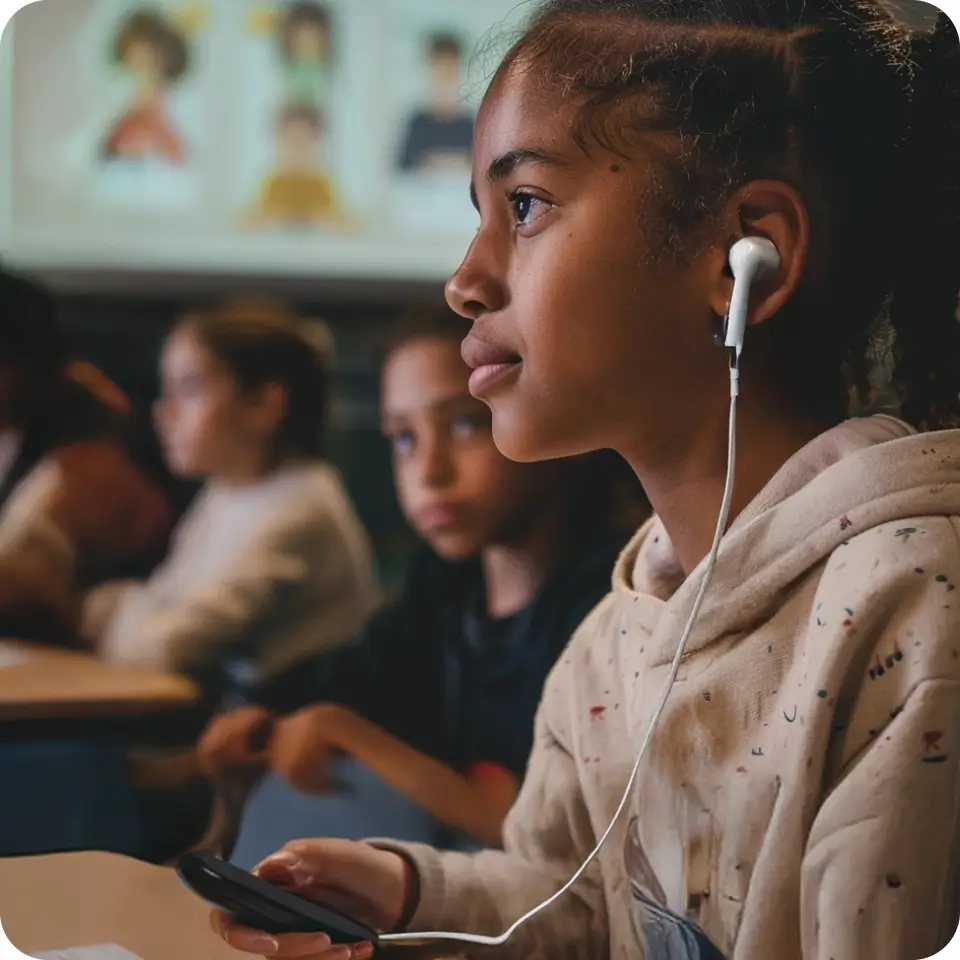
A student sitting in a classroom wearing a wired earpiece

Provides automatic summaries and transcripts for improved student recall, instantly translatable to any language.

A person holding a smartphone showing a "Class Summary" mobile app interface that provides insights

Off by default, the high resolution, wide field of view camera activates with a single click to capture teaching with tracking and high-quality audio, as well as whole-class and small-group learning.
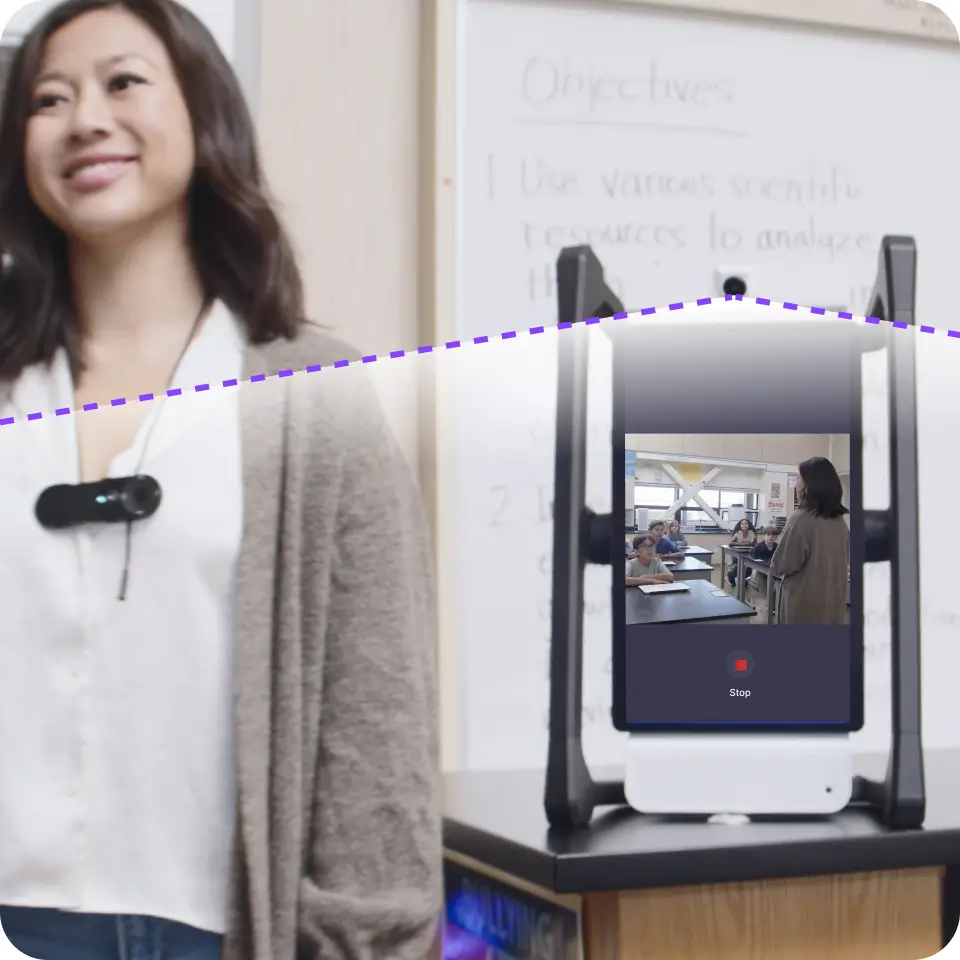
A teacher wearing a small clip-on camera standing next to an AI device that shows a live video feed of the classroom

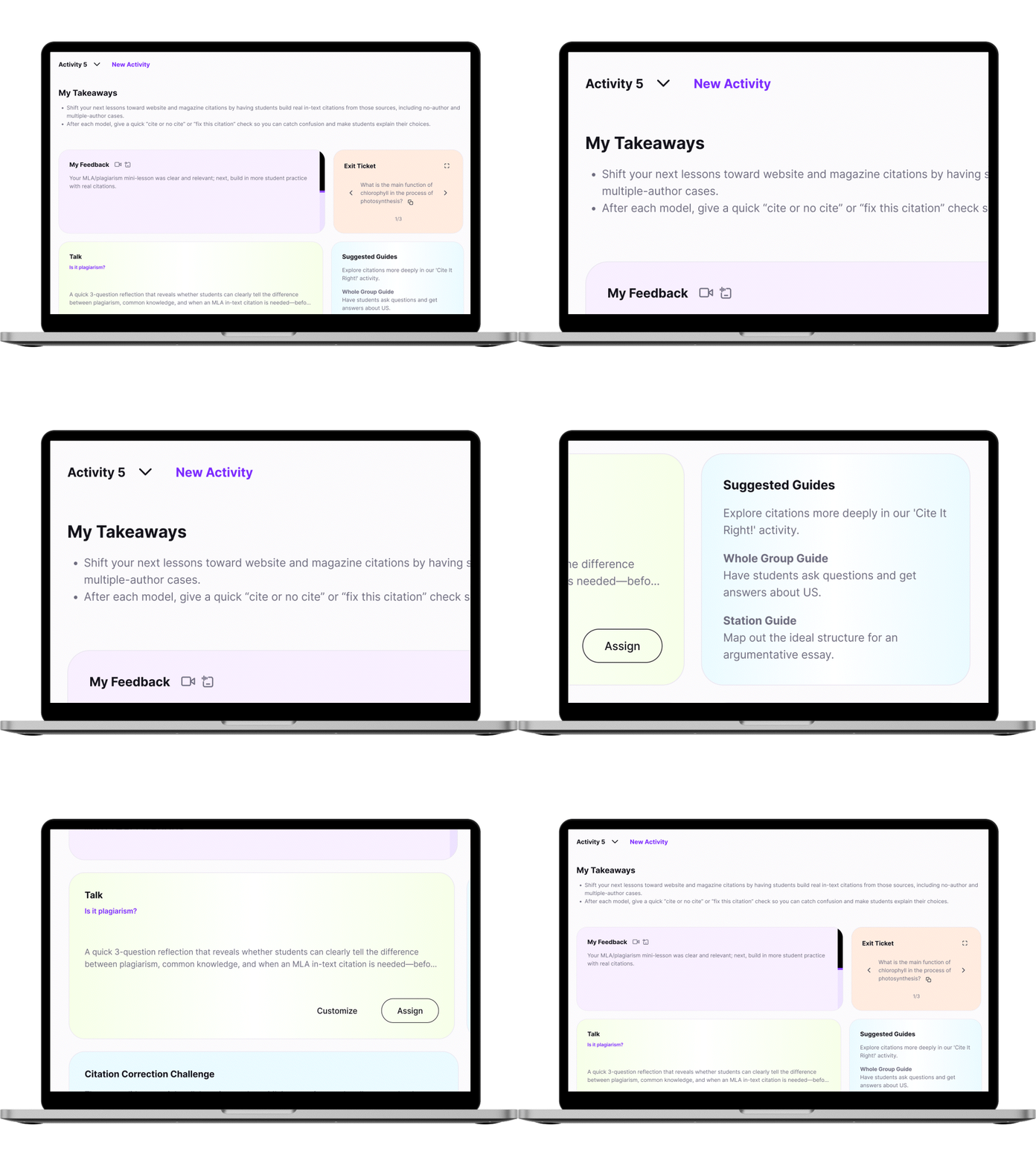
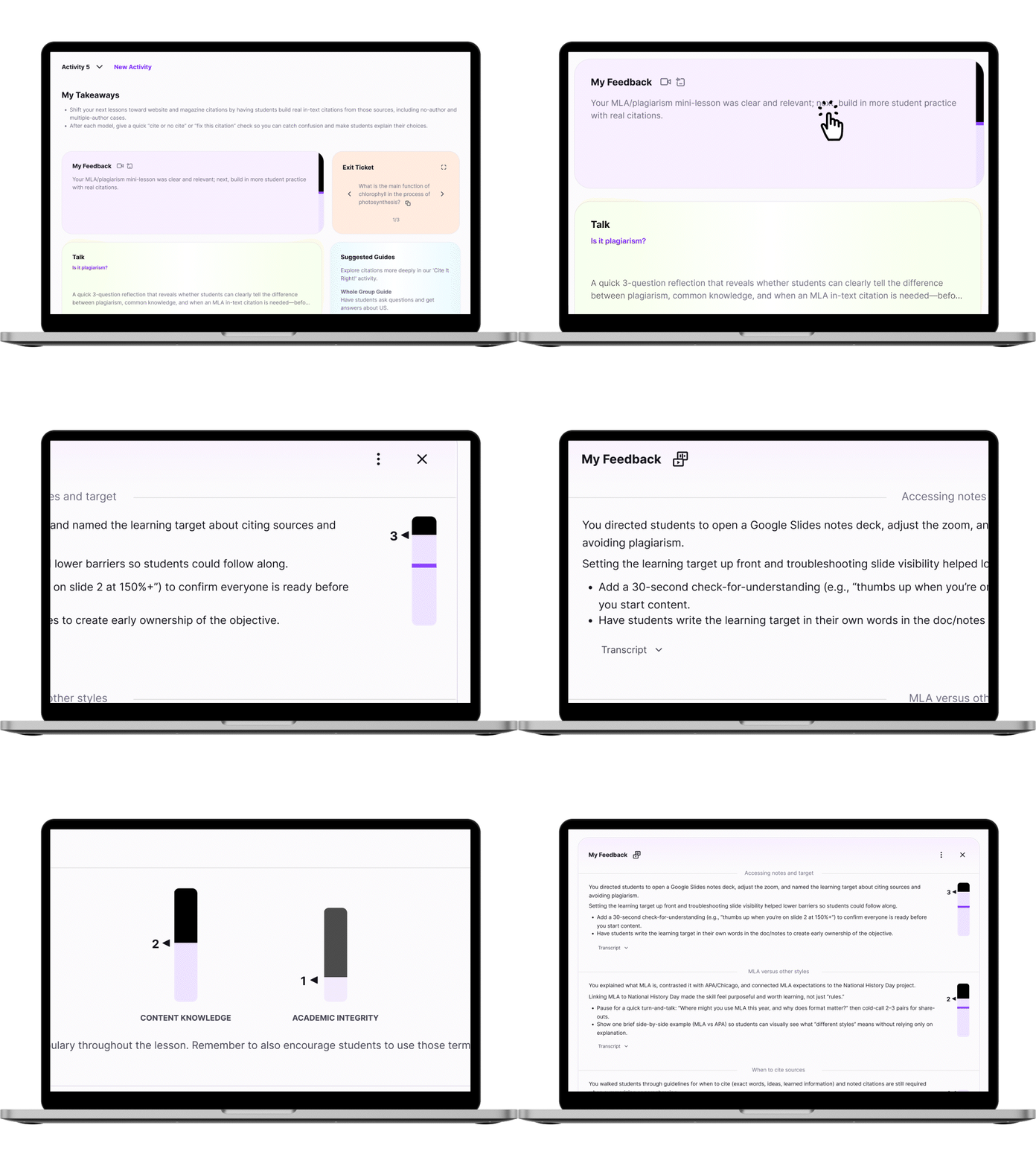
Get immediate insight with takeaways, suggested Talks and Guides. Upload your lesson plan in advance for even better insight.

Laptop with insights
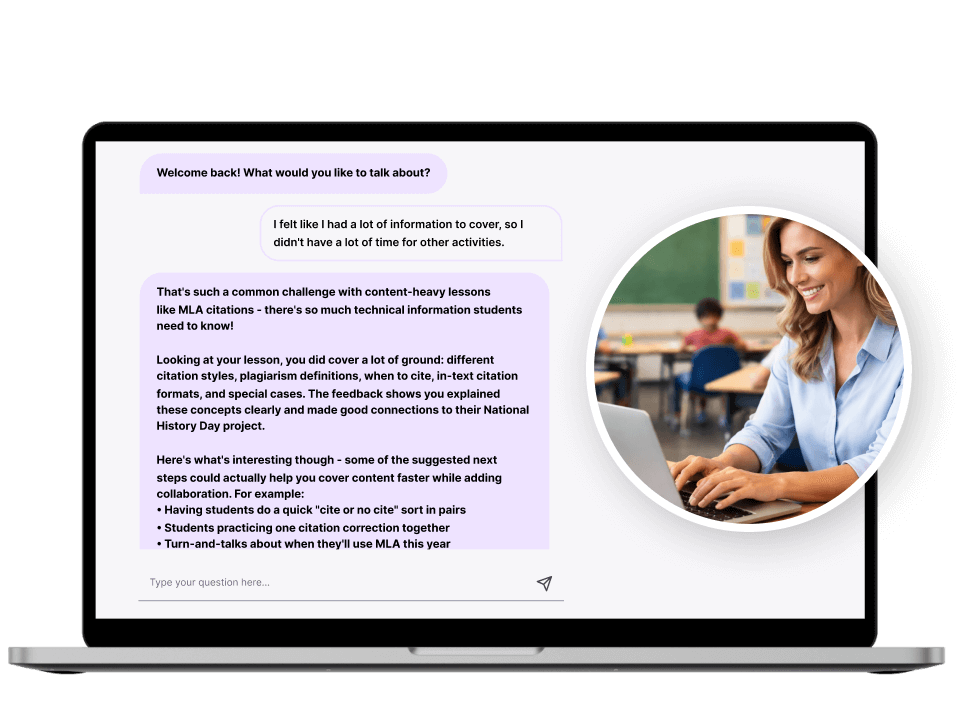
Laptop with M2 feedback

Get detailed feedback based on your schools frameworks, standards and curricula. Reflect anytime by chatting with M2.

Talks

  • Overview
  • setup
  • Get Talking
  • Insights

Enhance cognitive participation

Talks are standards-aligned spoken assignments students complete on web or mobile devices to extend their cognitive participation in learning, assess understanding, and get them reflecting. For all ages and grades.

A smiling student looking at a laptop screen during a lesson.

Easy setup

Talks are automatically generated after each class or created from a standard, reading passage, or text. Use them for individual feedback on class experiences, promoting activities like reading and writing, or even as summative oral assessments.

Interface showing an 'Is it plagiarism?' lesson assignment with options to customize or assign.

Get talking

In 5-10 minutes, students will answer knowledge-based questions out loud to demonstrate capabilities, then respond to follow-up questions that probe conceptual understanding and learning blockers.

Woman with laptop get talking

Individualized insights

Provides students with an M2 score on identified outcomes and feedback for them to reflect on. It also gives teachers a dashboard of insights that help them plan for tomorrow’s class based on students individual needs.

Educational dashboard showing 'My Takeaways' and a bar graph for a plagiarism activity score.

Try M2talk app for free today

Get 30 days of full access with 2 activities per semester after that.

Download on the App Store
Get it on Google Play

Powered by Swivl

NYC Department of Education logo
Orange County Public Schools logo
Guilford County Schools logo
Richmond Public Schools logo
Atlanta Public Schools logo
Ypsilanti Community Schools logo
Harris County Department of Education logo
Lamar CISD logo
Brazosport Independent School District logo
Spring Independent School District logo
Mt. Hood Community College logo
Texas Tech University logo
SMU logo
Grambling State University logo
PennState logo
Prince George’s Community College logo
University of West Alabama College of Education logo
Harvard University logo
Bishop State Community College logo

Read more user stories

Make the difference

Setup a 15 minute conversation where we’ll learn about your needs, explore our solutions, and see how participation can make the difference in your school.

Setup conversation

Footer

  • Support
  • About us
  • International information
  • Learn about M2
  • Download apps
  • Security

Swivl Logo
  • Terms
  • Privacy
  • Contact Us
  • U.S. 1-888-837-6209