
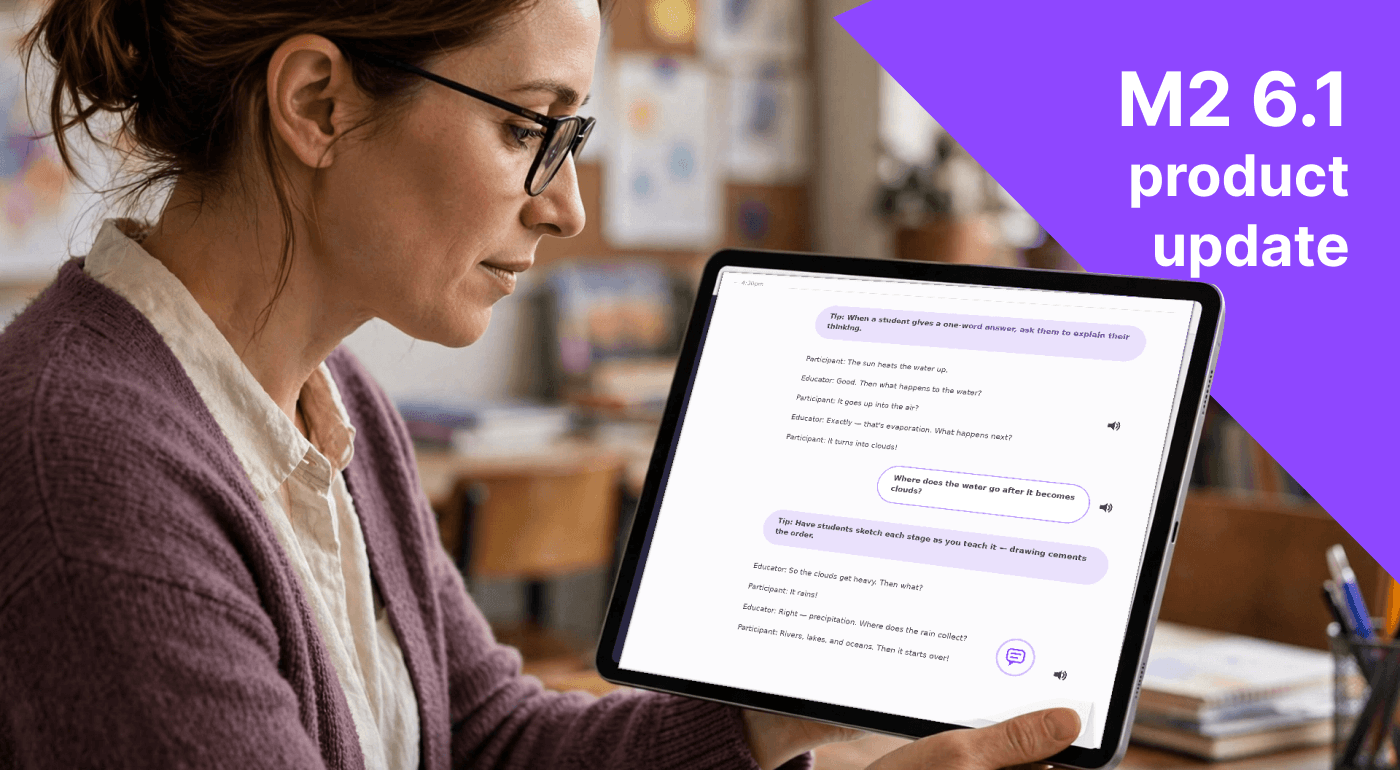
M2 6.1 is now available across web, mobile, and the M2 device. This release helps educators build on reflection over time, understand classroom conversations more clearly, and move more easily between activities, assignments, and feedback.
For leaders, it also brings practical improvements to Team, Site, rubric, and subscription management. Across mobile and M2, reliability updates help active sessions continue with fewer interruptions.
Takeaways that build across activities
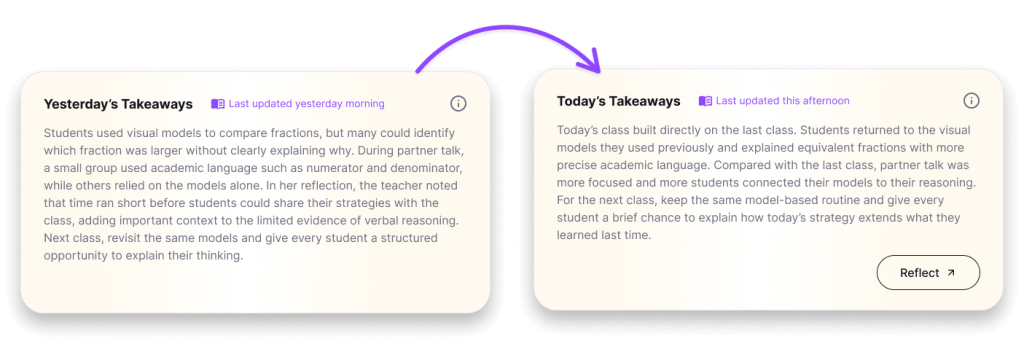
Professional growth rarely happens in a single session. It develops as educators reflect, try something new, and return with more evidence.
Now, Takeaways are cumulative across activities in the same Group. A teacher’s earlier reflections and feedback trends carry into later Takeaways, making it easier to see what is changing over time and where a pattern may deserve more attention.
Instead of treating every activity as a new starting point, M2 helps educators connect their feedback and reflection day to day.
Assign multiple Reflections in a Group
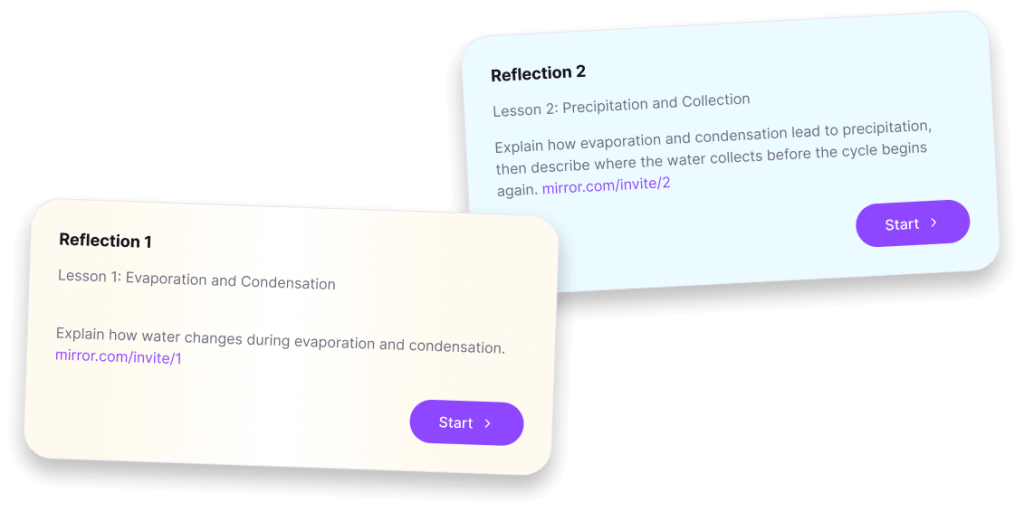
Teachers can now keep Reflection assignments open across multiple activities in the same Group.
They can also share separate Reflection assignments through their learning management system (LMS), while participants can still open and complete earlier assignments.
This gives teachers more flexibility to build reflection into an ongoing sequence of learning without students losing access to prior work.
Improved transcript labels
Transcripts now make it easier to distinguish teachers from other participants. Clearer speaker labels give educators better context when reviewing a conversation and make feedback and quantitative metrics easier to interpret.
Teachers can spend less time figuring out who said what and more time connecting evidence to the moments that matter.
Other improvements across M2
M2 6.1 also includes several improvements across the service:
- Clearer feedback and reflection: Improved video previews, transcript downloads, evidence display, and ownership controls make activities easier to revisit.
- More flexible rubric management: Leaders can sort and delete custom rubrics, receive updated premade templates, and view both active and inactive rubrics.
- Background audio sessions: Active audio sessions can continue when the mobile app is in the background, while observation video stops when the app is hidden or the screen is locked.
- Automatic battery protection: Recordings stop automatically at 5% battery and cannot begin below that level.
- Clearer Ask M2 controls: Cancel replaces Mute during playback, and repeated remote actions recover more reliably.
A better experience for daily use
As the school year begins, many educators are turning to M2 for every support, whether it’s to see far more feedback than ever possible, get a detailed record of their daily teaching, or elevate student thinking through reflection.
In the same way that feedback and reflection have compounding benefits for educators and students, the benefits of this release compound the more times you turn on M2.