
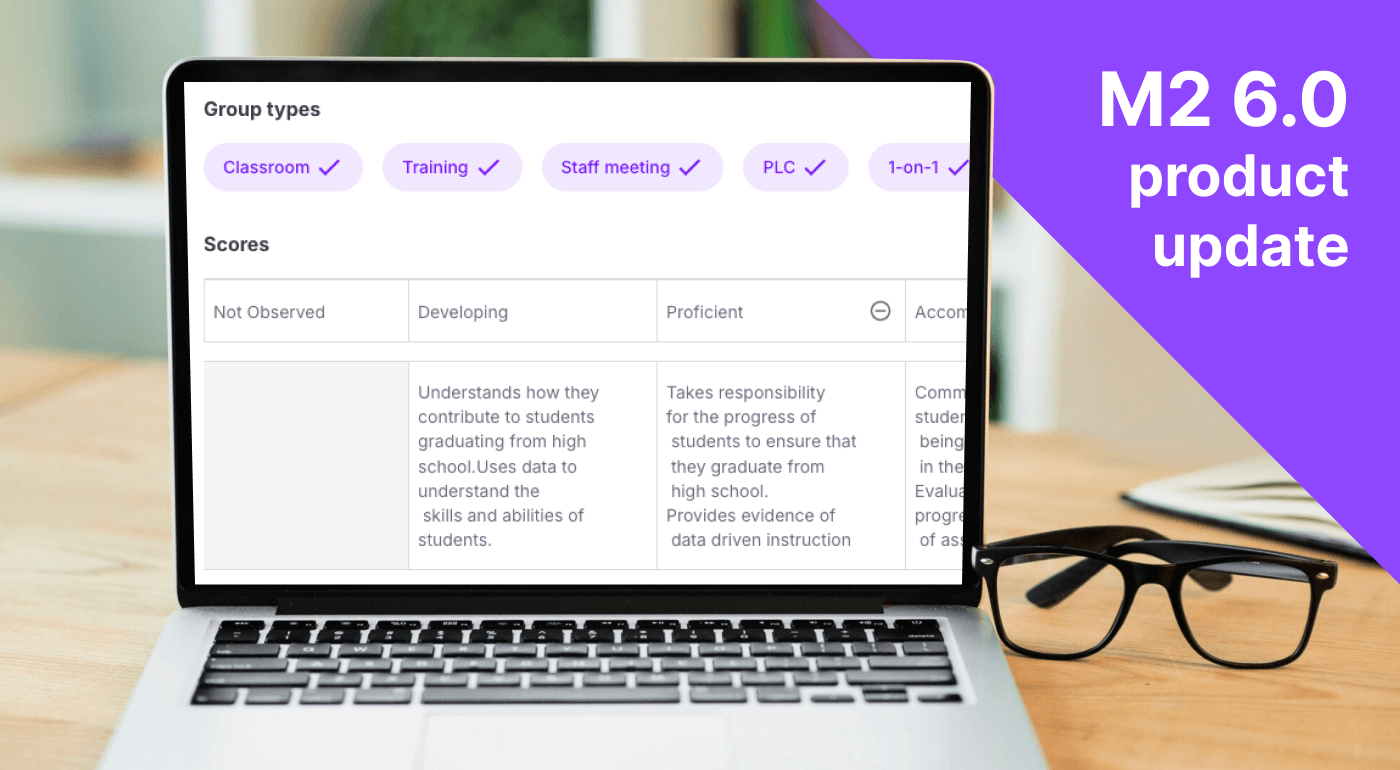
M2 6.0 is now available across web, mobile, and the M2 device. This release helps M2 better understand the work happening in each Group, whether it is a classroom, PLC, training, staff meeting, 1-on-1, or evaluation and provide more relevant support before, during, and after each session.
It also makes reflection easier to complete, brings mobile video recording to every user, and gives leaders clearer insights into instructional practice across their Teams and Sites.
Support that adapts
Different learning environments require different kinds of support. A classroom does not operate like a staff meeting, and a PLC should not be evaluated in the same way as a 1-on-1 conversation.
With M2 6.0, educators and leaders can select from six New Group types when creating new groups:
- Classroom
- Training
- Staff meeting
- PLC
- 1-on-1
- Evaluation
From the Admin Panel, Leaders and Coaches can create rubrics that can be applied to specific Group types, and the Tips users receive adjust based on the setting applied. The Evaluation Group type also creates a dedicated space for evaluation-focused work, either from Leaders or for Teachers practicing for formal observations.
This added context helps M2 provide support that is more relevant to the purpose of each conversation or learning environment.
Takeaways that show shared understanding
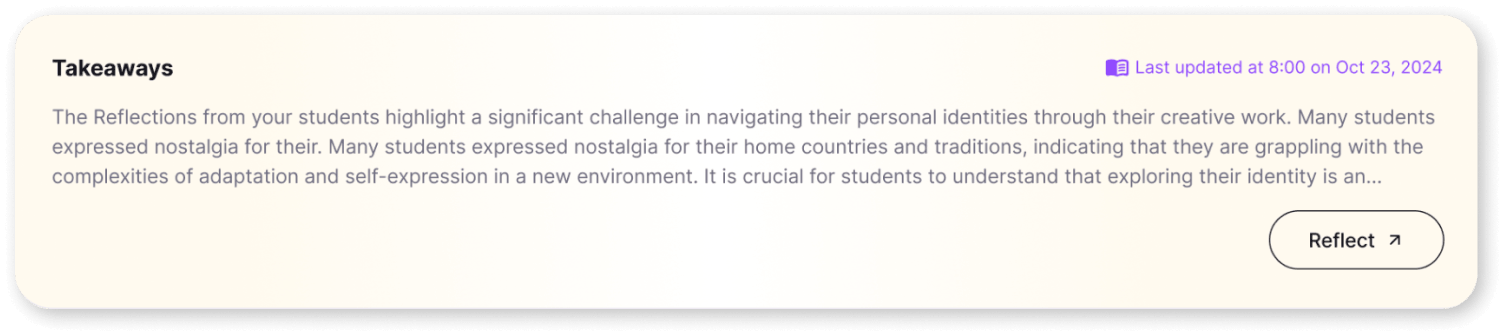
Takeaways now bring together what developed across the full learning experience: the activity that occurred, the user’s Personal Reflection, and student thinking.
Instead of treating each source as a separate piece of information, Takeaways show the shared understanding that emerged across them. Educators can see what participants understood, connect that evidence to their own reflection, and identify clearer next steps for instruction.
Stronger insights for leaders and coaches
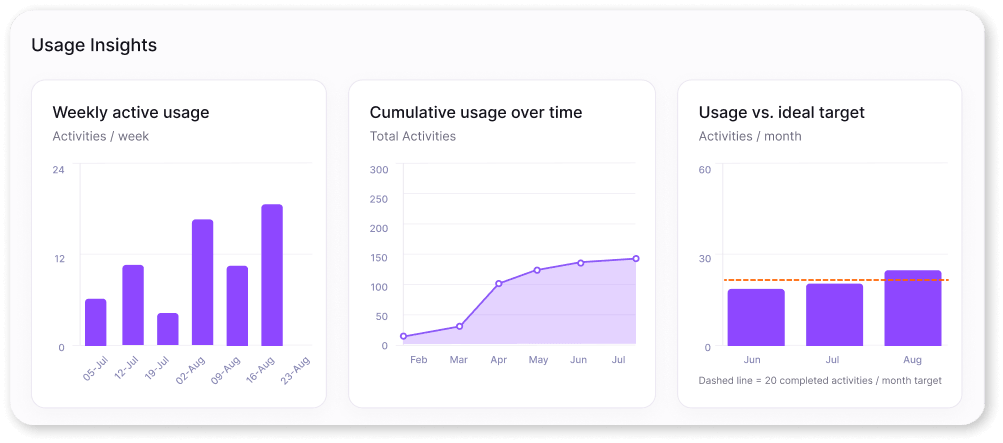
M2 6.0 gives Leaders and Coaches more ways to understand instructional practice without reducing it to a single score.
Teams can customize rubrics at the Team or Site level, making feedback more relevant to local priorities. Team Admin insights now include quantitative metrics such as talk time and question counts alongside Reflection Depth of Knowledge insights.
Together, these signals help leaders recognize patterns, understand how educators are engaging with their practice, and identify where additional support may be useful.
A lighter approach to Personal Reflection
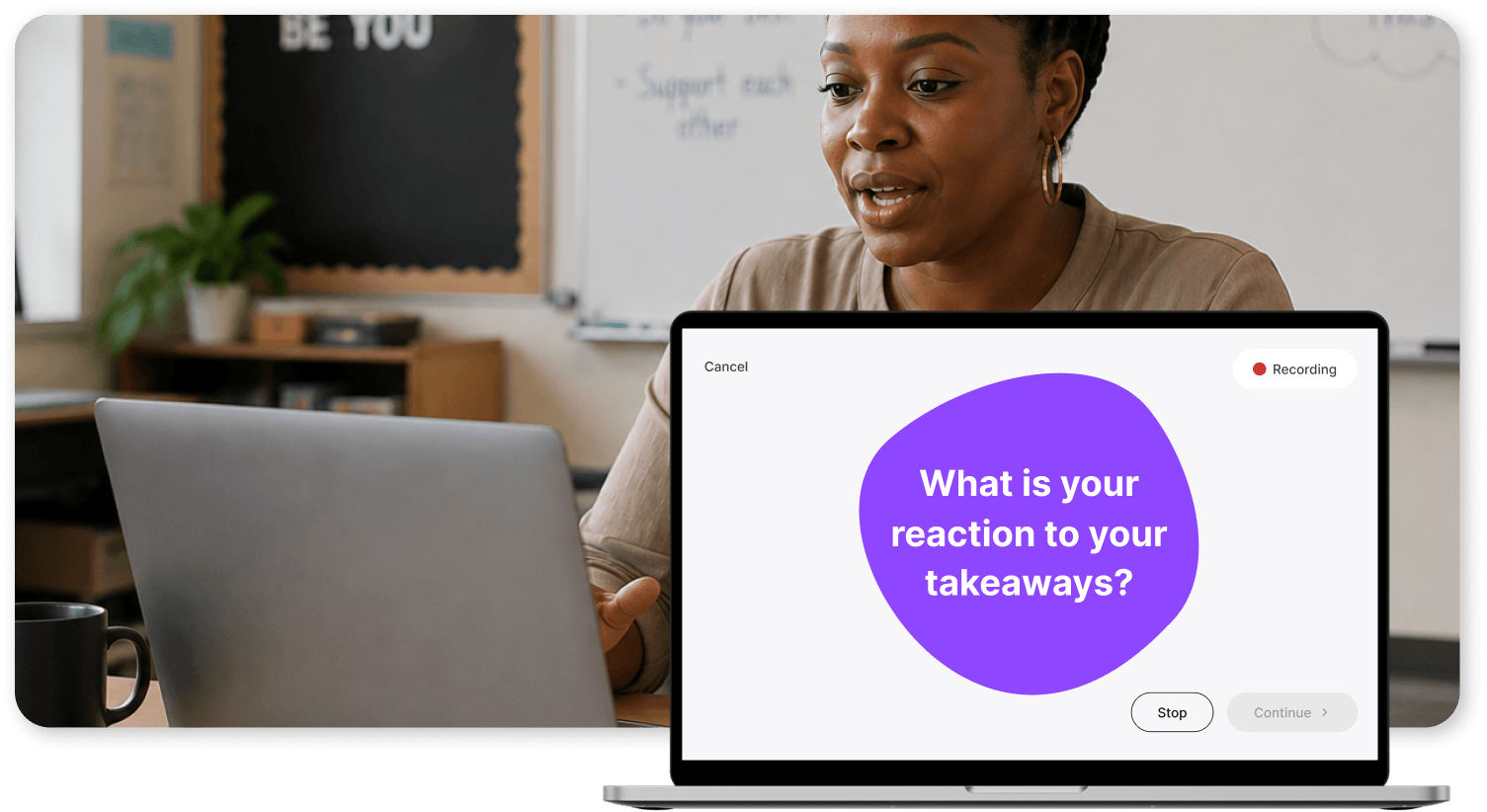
Reflection should help educators make sense of their instruction, not feel like another task to complete.
Personal Reflections now use shorter, more focused questions based on the experience. An updated Stop/Continue flow also lets educators choose how many questions they want to answer, giving them more control over the depth and length of each reflection.
The result is a lighter experience that educators can complete while the experience is still fresh.
Reflections return to mobile devices
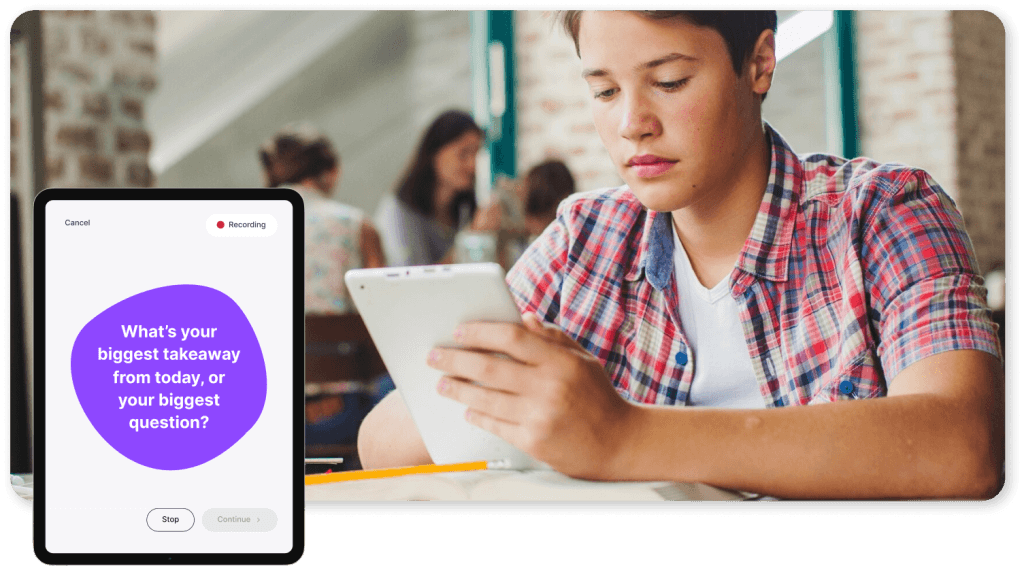
Participant Reflection Assignments and Personal Reflections are once again available on iOS and Android.
Teachers and students can now complete reflections from the device that is most convenient for them, making it easier to capture thinking in the moment rather than waiting until they return to a computer.
Record observation video from any mobile device
Educators can now record video directly from an iOS or Android phone or tablet, without connecting additional hardware.
Improvements across the experience made using recording more reliable from start to finish. This gives more users a simple way to capture evidence of their instruction wherever learning happens.
Find video faster
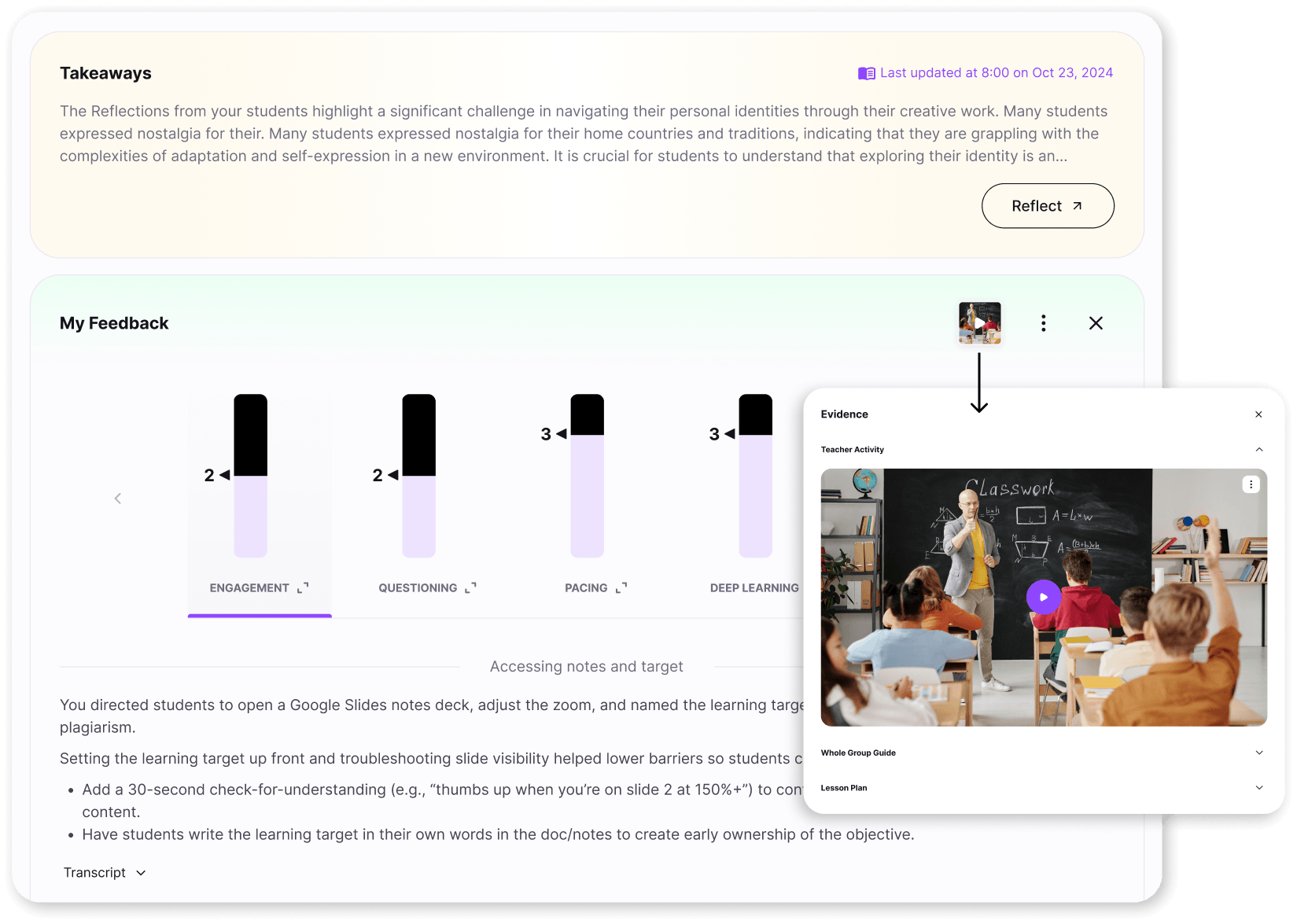
When video is available, My Feedback cards now display a video thumbnail directly on the cover.
This small change makes recorded sessions easier to recognize and revisit, helping teachers move more quickly between feedback and the moments that produced it.
Why this release matters
The most useful feedback begins with context.
By understanding the type of work happening in each Group and connecting what happened during an activity with reflection and student thinking, M2 can provide support that is more relevant to educators and more meaningful to leaders.
M2 6.0 brings that context together while making it easier for everyone to record, reflect, and turn everyday learning experiences into evidence for growth.