
Every great lesson starts with intention. Teachers plan with clear goals, meaningful activities, pacing decisions, instructional strategies, and the needs of their students in mind. But once teaching begins, even the best lesson plan can be hard to hold onto in real time.
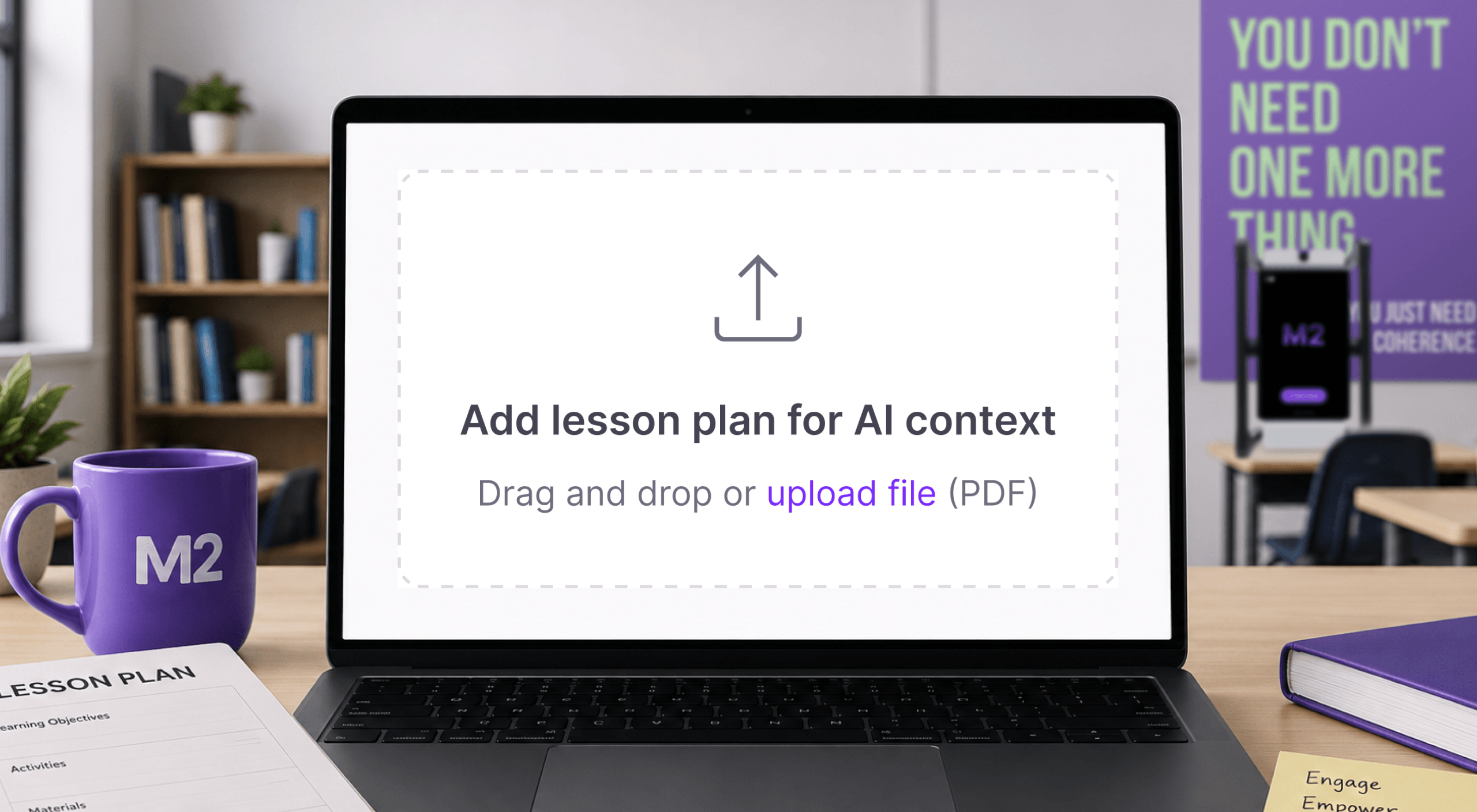
That is why we built lesson plan upload for M2.
With this new feature, teachers can upload a lesson plan before they teach with M2. From there, M2 can use the plan as context to provide live tips and suggestions during instruction, then generate feedback after the lesson that is directly aligned to what the teacher intended to teach.
This is an important step toward what schools need most: coherence. M2 is designed to help bring curriculum, teaching, and school priorities together into one connected experience, so teachers are not receiving generic AI support or disconnected feedback. Instead, they receive guidance that reflects the lesson, the instructional goals, and the work actually happening in the classroom.
Why we built it
In many classrooms, coaching, feedback, curriculum implementation, and instructional improvement can feel like separate efforts. Lesson plan upload helps close that gap.
By allowing M2 to understand the lesson before instruction begins, the support becomes more relevant, more specific, and more connected to the teacher’s actual goals. M2 can help teachers stay aligned to the lesson they planned, reflect on whether key content was covered, and identify opportunities to strengthen instruction based on the strategies already embedded in the plan.
For school and district leaders, this also supports a more coherent instructional experience. When teachers use M2 with lesson plans, feedback can connect more clearly to curriculum expectations, instructional priorities, and classroom evidence. That creates better coaching conversations, more actionable reflection, and a clearer view of how planned instruction translates into practice.
How it works
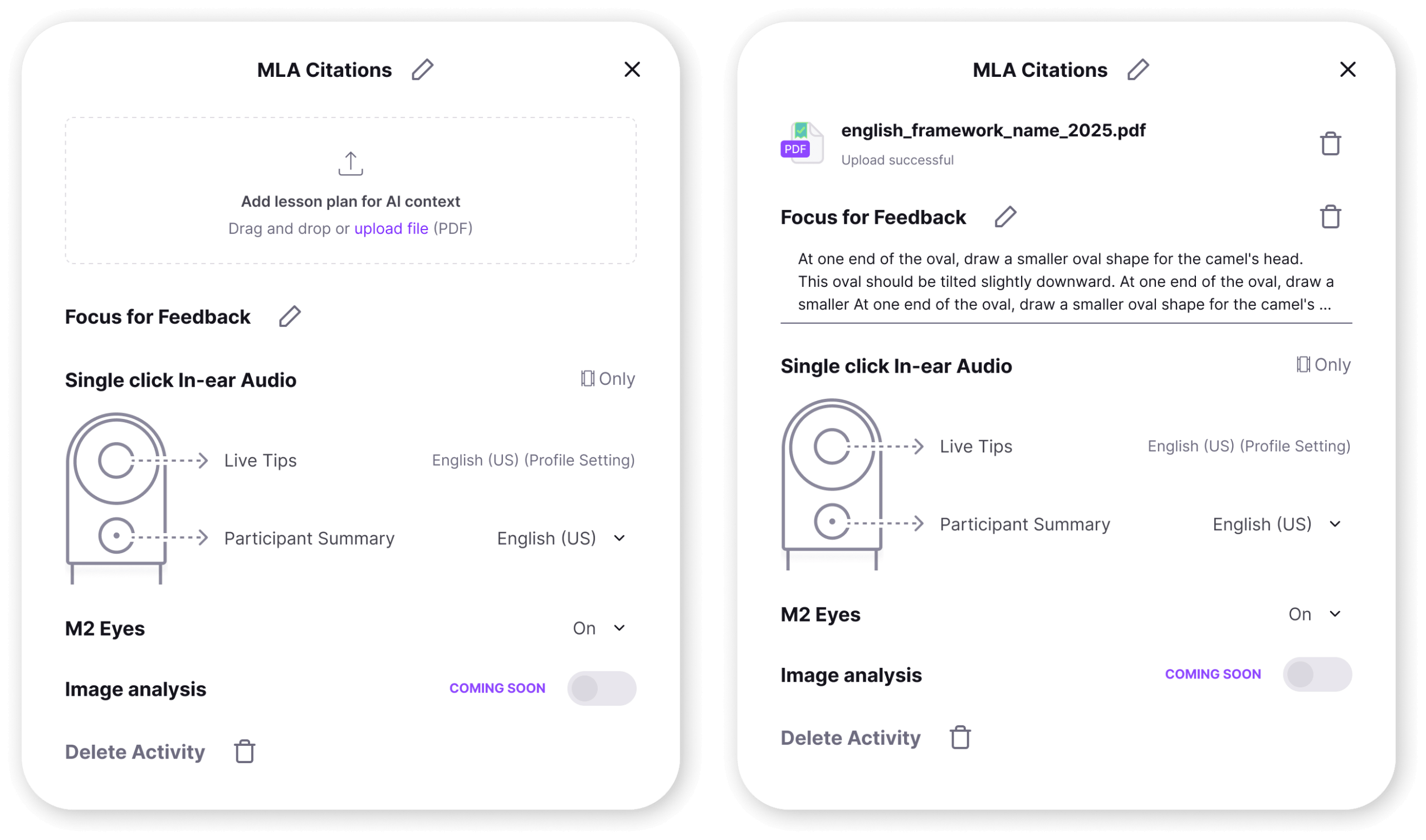
Using the feature is simple:
- Upload your lesson plan before teaching with M2.
- Teach your lesson with M2 or M2 App active in the classroom.
- Receive live tips and suggestions aligned to the lesson plan.
- Review feedback after teaching that connects directly to the lesson goals, pacing, activities, and instructional strategies.
During the lesson, M2 can use the uploaded plan to provide more relevant in-the-moment support. After the lesson, M2 can generate feedback that helps the teacher understand how the lesson unfolded compared to what was planned.
What’s in it for teachers?
When M2 has access to the lesson plan, the feedback becomes grounded in the actual instructional context. They are receiving feedback tied to the lesson they prepared and the learning experience they delivered.
That can help teachers answer questions like:
- Did I keep pace with the lesson?
- Did I cover the key material I planned to teach?
- Where did students have the most opportunity to engage?
- Which instructional strategies showed up in practice?
- What could I adjust the next time I teach this lesson?
This kind of feedback is especially powerful because it is timely, contextual, and immediately useful. Teachers can reflect while the lesson is still fresh and make practical adjustments for tomorrow.
What we learned from our pilot
Before releasing this feature publicly, we piloted it with ESUCC, a state education agency in Nebraska. Teachers uploaded a series of lesson plans, used M2 while teaching, received live tips, and then reviewed feedback that was detailed and aligned to their plans.
The pilot confirmed what we hoped: when M2 understands the lesson plan, the feedback feels more relevant to the teacher’s actual classroom experience.
One teacher using the Wit & Wisdom curriculum shared that “the feedback was very specific to this particular lesson” and that “most of my feedback was very specific to a certain question or task that I asked.”
That is exactly the kind of support we want M2 to provide: not abstract feedback, but feedback that helps teachers see their own lesson more clearly.
Why this is exceptional
AI in education is only useful when it understands context. M2 is designed to connect what was planned, what happened during instruction, and what a teacher can do next. Lesson plan upload makes that connection stronger.
Teachers can enter the classroom with a plan, receive support while teaching, and leave with feedback that helps them reflect, adjust, and grow. For administrators and coaches, this creates a clearer bridge between curriculum implementation and classroom practice.
That is what makes this an exceptional addition to M2: it brings planning, teaching, feedback, and improvement into one more coherent experience.