
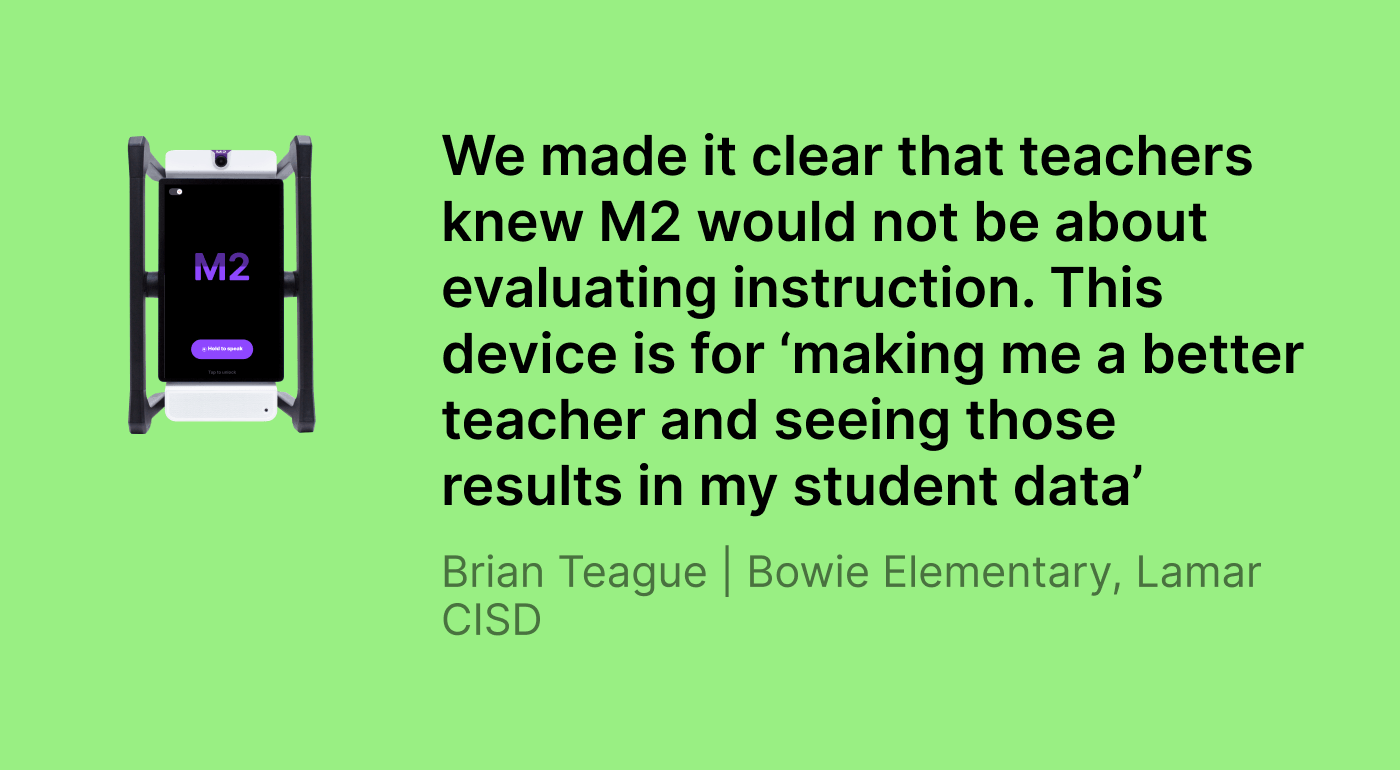
From the beginning, we made it clear that teachers knew M2 would not be about evaluating instruction. It’s for ‘making me a better teacher and seeing those results in my student outcomes’.
Brian Teague | Bowie Elementary, Lamar CISD
USE CASE
Instructional coaching and student outcomes
Katherine Lange
Principal
School/District:
Bowie Elementary, Lamar CISD
Grade Level
K–5 Elementary
One new principal, four instructional coaches, and a lot of new teachers
Katherine Lange had never led an elementary school before she walked through the doors of Bowie Elementary in January 2025, and this particular elementary school had been struggling.
Tier I Instructional practices were inconsistent, educator turnover had been significant, and the year ahead was shaping up to require more than just a few steady hands at the wheel. Katherine has four instructional coaches on her team, but she was also facing how she would effectively support a brand-new crop of teachers.
“Last year was all about triage. We came out of it earning a B, which we’re all proud to accomplish,” she beamed. “Coming into this year, it needed to be less about triage and more about making targeted instructional shifts. Yes, we wanted to sustain the grade, sustain the growth, but we needed to really expand what teachers can do with the kids in the classroom.”
Students first
One of Katherine’s primary goals was to prepare students for extended constructed responses on Texas’s STAAR exam. She was seeing a trend emerge that students could find textual evidence, but they somehow circumvented answering the question explicitly, and on the STAAR, that could give a student an automatic zero on those questions. To help students improve, M2 was given a spot in many classrooms’ studio rotations (aka: small group stations). Set up this way, teachers could define an ECR as a quick station prompt within M2, then students could orate their written responses and M2 would offer immediate feedback to the students directly.
And when studios were over, teachers could later review a full summary of what had happened across every student interaction, using the data to monitor and adjust instruction and ultimately: improve students’ ECRs on STAAR.
For teachers, M2 narrowed the ever-widening gap in academic feedback. Erin Lundberg, a fifth-grade teacher, had tried lots of strategies to offer daily feedback: exit tickets, ghost rotations, checklists. But what it boiled down to was: she just didn’t have enough time each day to check in on each student.
“When I’m fully engaged with the studio I’m running, I’m unable to listen in on the conversations happening at other studios, so I can’t quickly readjust a student’s thinking or address their misconceptions in the moment. That’s where M2 comes in! He is my teacher partner, and the students check in with him when I can’t.”
For Erin’s emergent bilingual (EB) students, M2 helps her keep a fresh list of never-ending sentence stems to increase their language acquisition. For everyone else, M2 drives student inquiry and increases Erin’s higher-order questions.
“In the background, M2 has been like another coach in my classroom. On the screen – where none of the students can see – it gives me on-demand tips on how to improve my questioning as well as prompts for how to explain things in a way that helps them keep up. When they respond, it listens to their answers and provides follow-up questions to keep those lightbulbs turned on.”
Erin Lundberg, 5th grade teacher
Carmen Chavero, who teaches fourth-grade dual language math and science, faced similar constraints. Students working independently while she ran small groups had limited access to daily feedback. As Carmen puts it “M2 has been like having a second teacher. I love how it provides meaningful feedback for every student and is constantly offering them new and creative ways to approach and solve math problems.”
Privacy paves the way
Before M2 became employed for a coaching cycle, Katherine established one non-negotiable rule: all coaching data would remain strictly between the instructional coaches and the teachers they worked with – never used for evaluation, never surfaced to administration (and by default, M2 data is stored in a teacher’s account, not an administrator’s).
That decision, made publicly and kept consistently, fundamentally altered the way teachers perceived the tool.
“From the beginning, we made it clear that teachers knew M2 would not be about evaluating instruction. It’s for ‘making me a better teacher and seeing those results in my student outcomes’.”
Brian Teague, Instructional Coach
Brian uploaded LCISD’s instructional look-fors and the T-TESS domains and dimensions framework directly into M2’s customizable platform, so every piece of feedback M2 generated was grounded in the language teachers already used and the standards they were already being measured against. What results is feedback that feels comforting and familiar.
And that’s when teachers really begin to believe in the tool and advocate for it.
“As the instructional leadership team who purchased M2, of course we can say: ‘yes! this is a great tool.’ But when our teachers talk to each other and say, ‘no, really, it is good, you should use it,’ that always carries more weight,” muses Katherine.
M2 as a coaching partner
One of the more unexpected uses of M2 at Bowie wasn’t in a classroom at all. It was in a coaching conversation.
Brian began bringing M2 directly into his debrief sessions with teachers. He’d start the coaching conversation, work through the normal identifying questions, and then, when a question came up that needed a second perspective, he’d turn to M2. He’d give his input, then ask M2 what it thought. Or he’d let M2 respond first and add to it. Either way, the result was the same: a third voice in the room, grounded in the district’s own framework, providing objective reinforcement to the conversation.
For Brian, who was himself new to the coaching role, this mattered in ways that went beyond any individual teacher conversation. Hearing how M2 framed feedback on engagement, pacing, or rigor helped him develop his own coaching language.
“M2 helped me with credibility sometimes, because I would say to a teacher: ‘hey, this is something that I noticed in your lesson,’ and then M2 would give some similar feedback. It confirmed to me that I’m headed in the right direction in supporting my teachers.”
Brian Teague
M2 extended into planning time, too. Brian brought the robot into collaborative meetings to generate ideas for differentiation. Certain teachers who might have felt guarded in a one-on-one coaching session found the dynamic felt extremely lighter when these conversations included a third, objective presence.
Greatest risk, even greater rewards
One new teacher came into his first coaching cycle at Bowie hesitant. He was nervous about hearing or seeing himself (video is always optional in M2), uncertain about what he’d uncover after reviewing each lesson.
By the end of the year, he was asking to keep M2 for extended periods of time, to cover entire units. He wanted to see where his engagement dipped, and why. He wanted to connect what M2 was showing him to his own lesson plans, find the gaps, and fix them.
His student data reflected the shift.
“He was able to go back and look at his trends and find places where he could grow,” Katherine explains. “It really helped him be more prescriptive in the way that he planned.”
He wasn’t the only one. Even master teachers were experiencing their own magical moments with M2. When you walk into a strong teacher’s room, you tend to see strengths but what you can miss are edge cases where strong – but common – instructional moves aren’t quite nailing it, where you need to really try an out-of-the-box strategy.
“It provided insights for a master teacher that instructional coaches and administrators sometimes even overlook,” Katherine says,
“The thing about a master teacher is they still want to grow. They’re looking for that needle in the haystack, and M2 finds it.”
Katherine Lange, Principal
What do Title I funds and screen time limits have in common?
Because M2 addressed objectives embedded directly in Bowie’s campus improvement plan – recruitment and retention of high-quality teachers among them – Katherine was able to fund every M2 purchase through Title I dollars. The investment had a clear, documented justification.
There was one more constraint she hadn’t anticipated finding a solution to: the district had recently implemented screen time limits for early elementary students. This is where Swivl and the district had the same intentions – and stars aligned. With M2, students and teachers are able to interact with the robot conversationally, and its remote microphones prevent anyone from becoming glued to its screen. M2 even intentionally designs its classroom activities and group experiences to promote conversations and emphasize paper-based work time, so it ended up being a natural fit that did not compete with the district’s mandate.
Bowie’s ‘B’ was for believing
Before M2, some of Bowie’s newest teachers were anxious. About being recorded. About AI in class. About what the data might reveal.
After a few short months, many of those same teachers were requesting M2 on their own, asking to keep it for full units, and encouraging their colleagues to try it. The anxiety hadn’t disappeared because Brian and Katherine reassured them everything was safe and private (though that helped, of course). It disappeared because they saw visible changes in their practice, session by session, trend by trend, unit by unit – and they wanted more of it.
With student outcomes being the primary motivation for Bowie’s teachers, they’ve come to rely on M2 to be their classroom “wing-robot”. Carmen Chavero envisions that next year, M2 will be a permanent workstation: a standing second small group, always available, always ready for the next student who needs a different explanation or a patient ear. Erin Lundberg is already using what M2 shows her to adjust pacing, deepen questioning, and ensure no student falls through the cracks of a busy rotation. And she’ll come back even stronger in the Fall.
This is exactly what Katherine had in mind when she arrived at Bowie mid-year, inheriting a campus in triage. Their mantra has been “keep your eyes on the A and it’ll be ours in May!” They continue to soar because they built a culture where everyone on campus has a chance to grow, become more accountable, and thrive as learners. No small order, but it just so happens that M2 helps them do that.